
Card Printing
Introduction
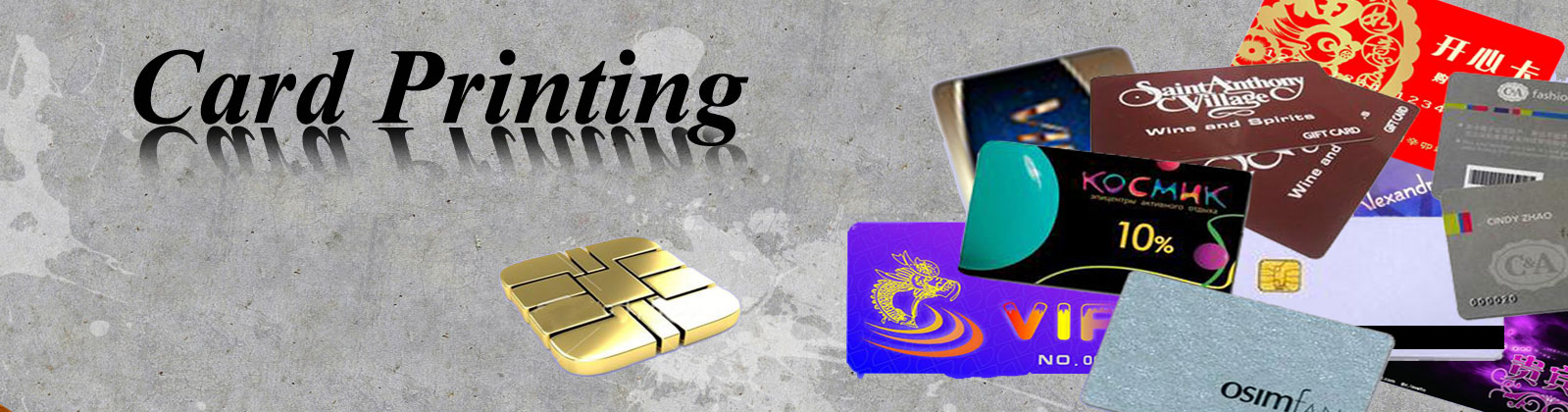
Smart cards are available for custom branding and promotional purposes. We welcome OEM enquiries for design printing at a reasonable cost. Furthermore, customers can buy white cards, which they can personalize themselves. For price details on customized printing, please contact us at info@bsdinfotech.com
Step-by-Step Procedure
Here are the steps for requesting customized artwork printing.
- Choose the card you need (e.g. ACOS3, ACOS5, MIFARE cards, SLE5542, SLE5528) or the chip you want.
- Submit an artwork and enclose a proof with printing instructions. Please indicate any special requirements, such as:
- Special or other metallic color(s), e.g. gold and silver, which may require silkscreen printing
- Track type and cohesive encoding (i.e. HI-CO or LO-CO) of magnetic stripe(s)
- Location on the artwork of signatory panel(s)
- Range for sequential serial numbers
- Smart card chip initialization method
- We will check artwork and handle all revisions in this phase.
- We will print and send you a sample card, together with a Sample Approval Form.
- Customer signs the Sample Approval Form to accept the sample card.
- Cards are ready for production!
Artwork Requirement
| Print resolution |
|
| Size |
|
| Artwork format |
|
| Color |
|
| Fonts |
|
| Proof |
|
Checklist
- Did you specify your required kind of chips?
- Will you require printing, or just white cards?
- Did you provide the appropriate file format for the artwork?
- Is the resolution of the artwork good enough for printing?
- Did you provide artwork files with CMYK, Pantone colour or special colours?
- Does the artwork provide sufficient bleeding area around the edges?
- Did you convert the fonts to curves or create outlines?
- Did you specify your required add-ons, such as magnetic stripes, signature panels, personalization, serial numbers, and barcodes?
Frequently Asked Questions
We support custom printing on cards such as ACOS3, ACOS5, MIFARE cards, SLE5542 and SLE5528, among others.
Submit your artwork with printing instructions, noting any special requirements like metallic colors, magnetic stripe encoding type, signature panel location and serial number ranges.
Yes, in addition to standard PVC card printing we can add a photo, a barcode and RFID chip encoding on the same card, using card printers such as Fargo together with compatible data card readers/encoders.
Yes, we handle bulk printing runs for organizations that need large batches of ID, membership or access cards, keeping layout and print quality consistent across the full production run.
We print using industry-standard card printers such as Fargo models, paired with the appropriate ribbons and data card readers/encoders for reading or writing chip and magnetic-stripe data during the print run.